StoryboardKit
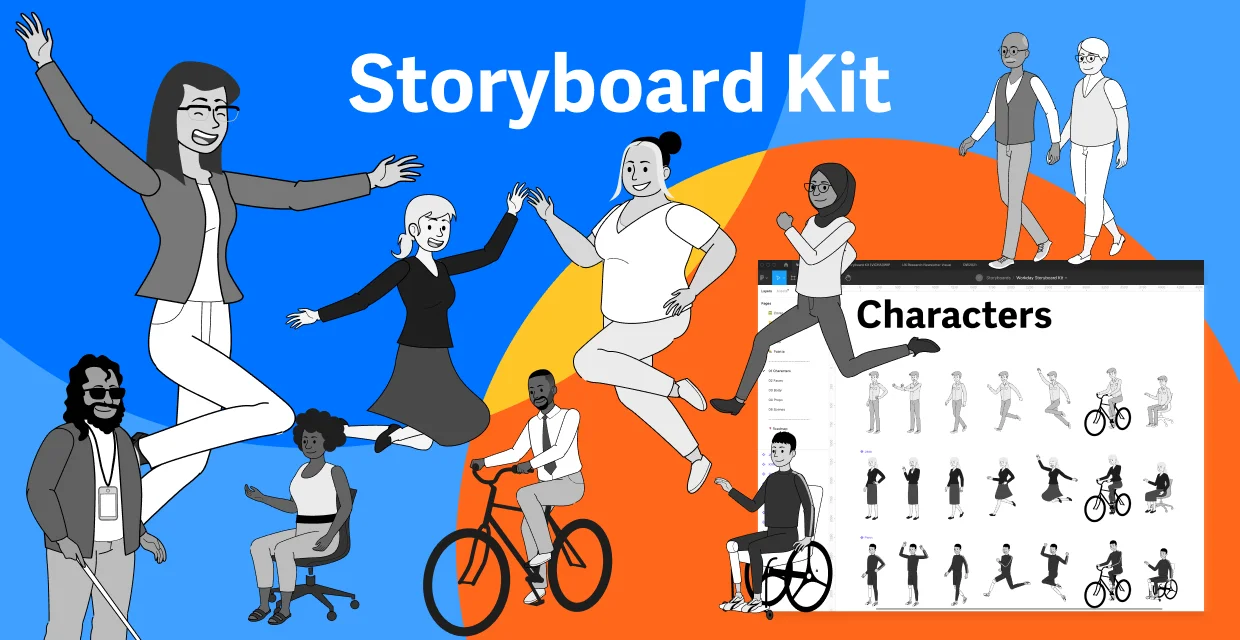
Not everyone can illustrate, so I made a Figma kit that makes it easy to put stories together for slides and user stories. The idea came from Airbnb’s Snow White storyboards.
Once the kit was out, we started doing more storyboards for our products. Product teams now use it in their presentations.
Role: Senior Product Designer, Design Systems
THE KIT
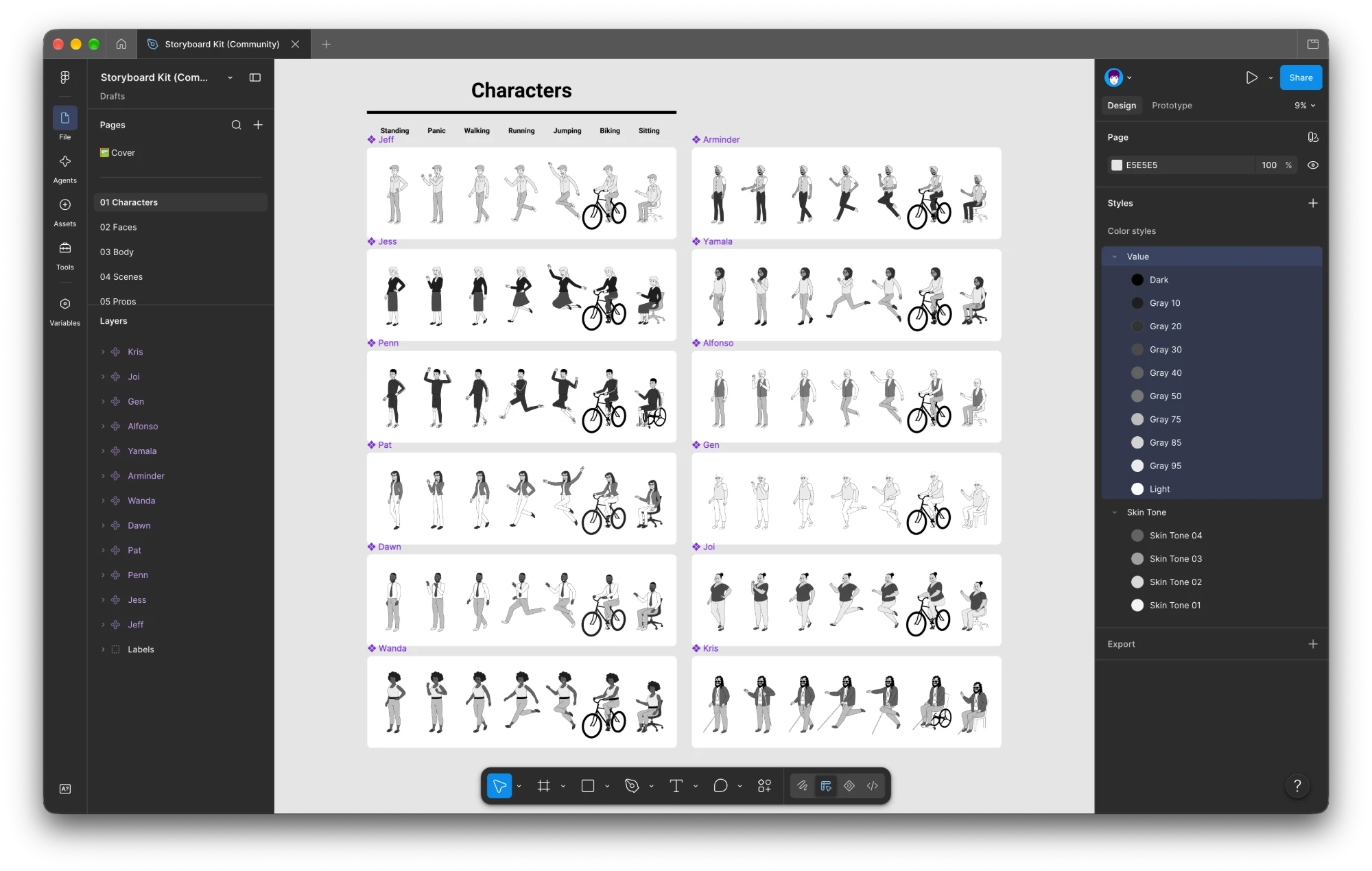
Built for diversity. Twelve characters, each in seven poses, drawn in a simple line style that gives anyone who can draw a baseline to add their own.
Built from components
I built the characters the way I build design systems: as components. Heads, faces, bodies, and limbs swap like parts, so anyone can make a new character without drawing one.
HEADS
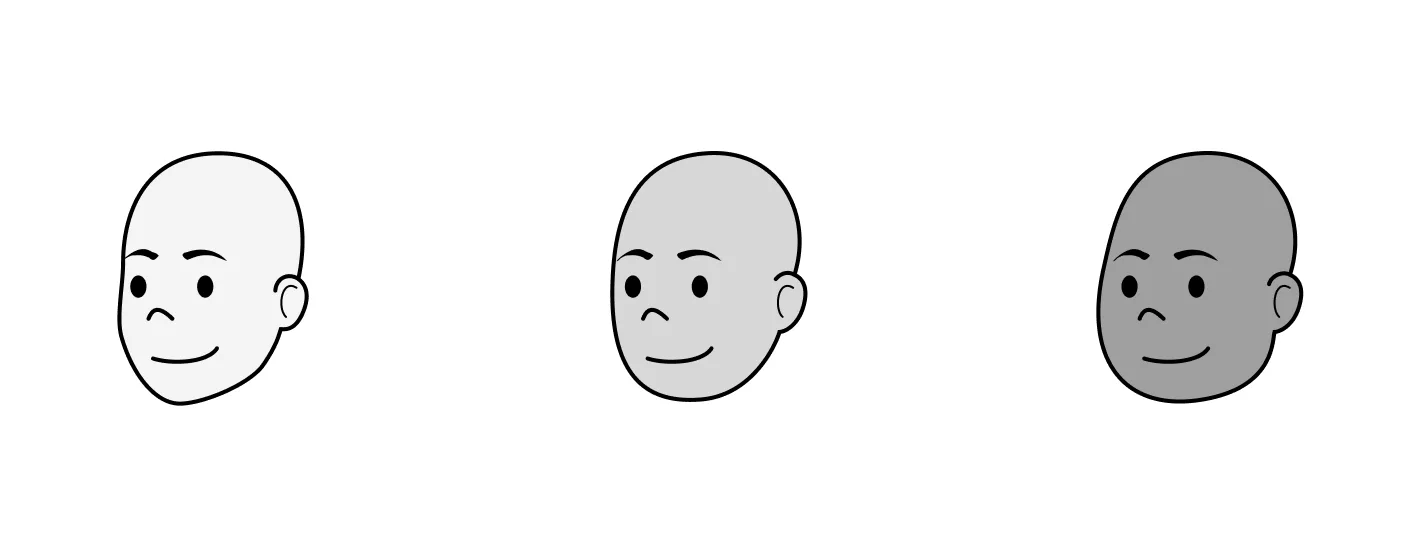
Three heads to start. Every character is built on one of three base heads.
EMOTIONS
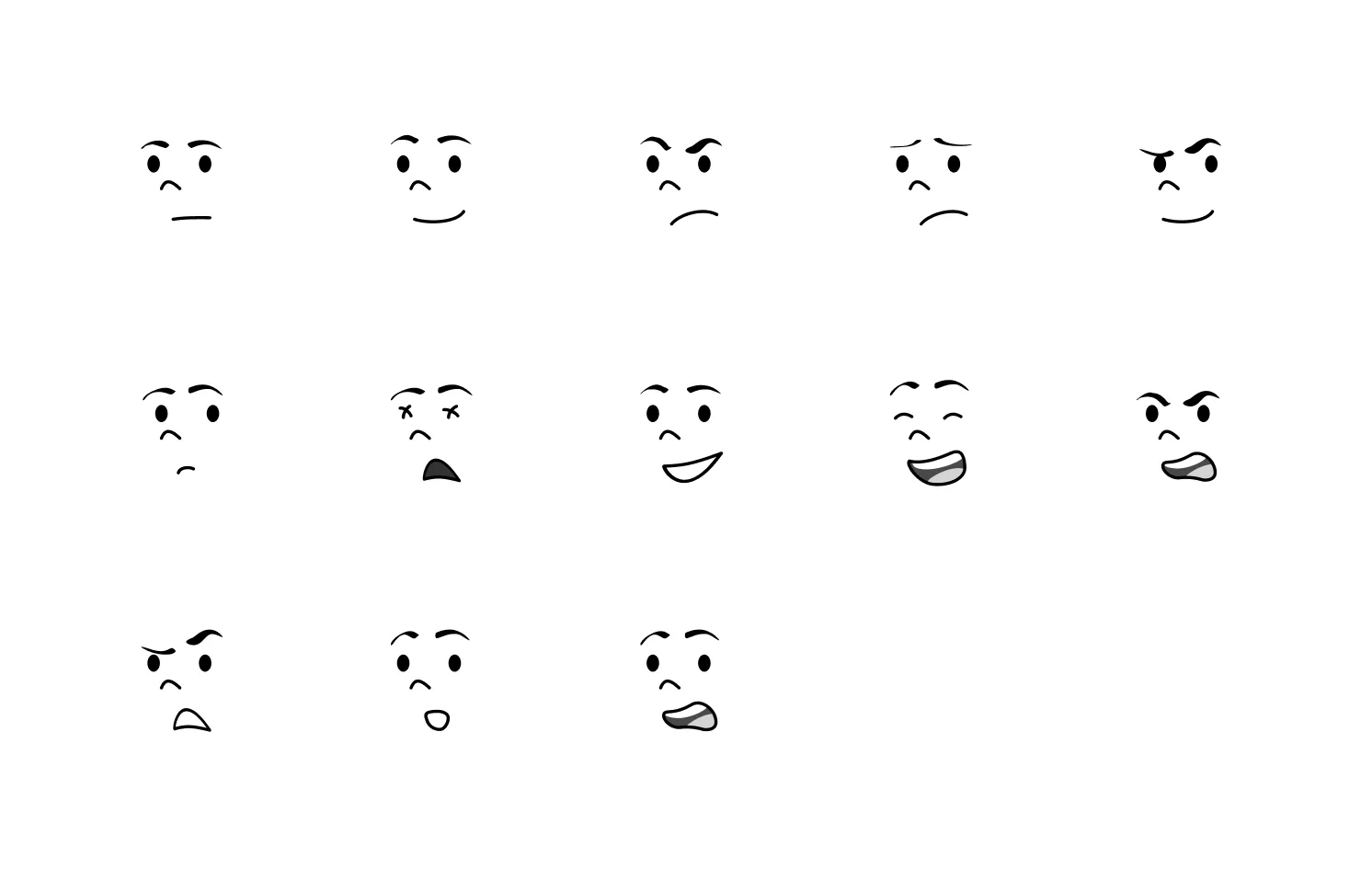
Thirteen emotions. Swap the face to change how a character feels in a scene.
FACE PARTS
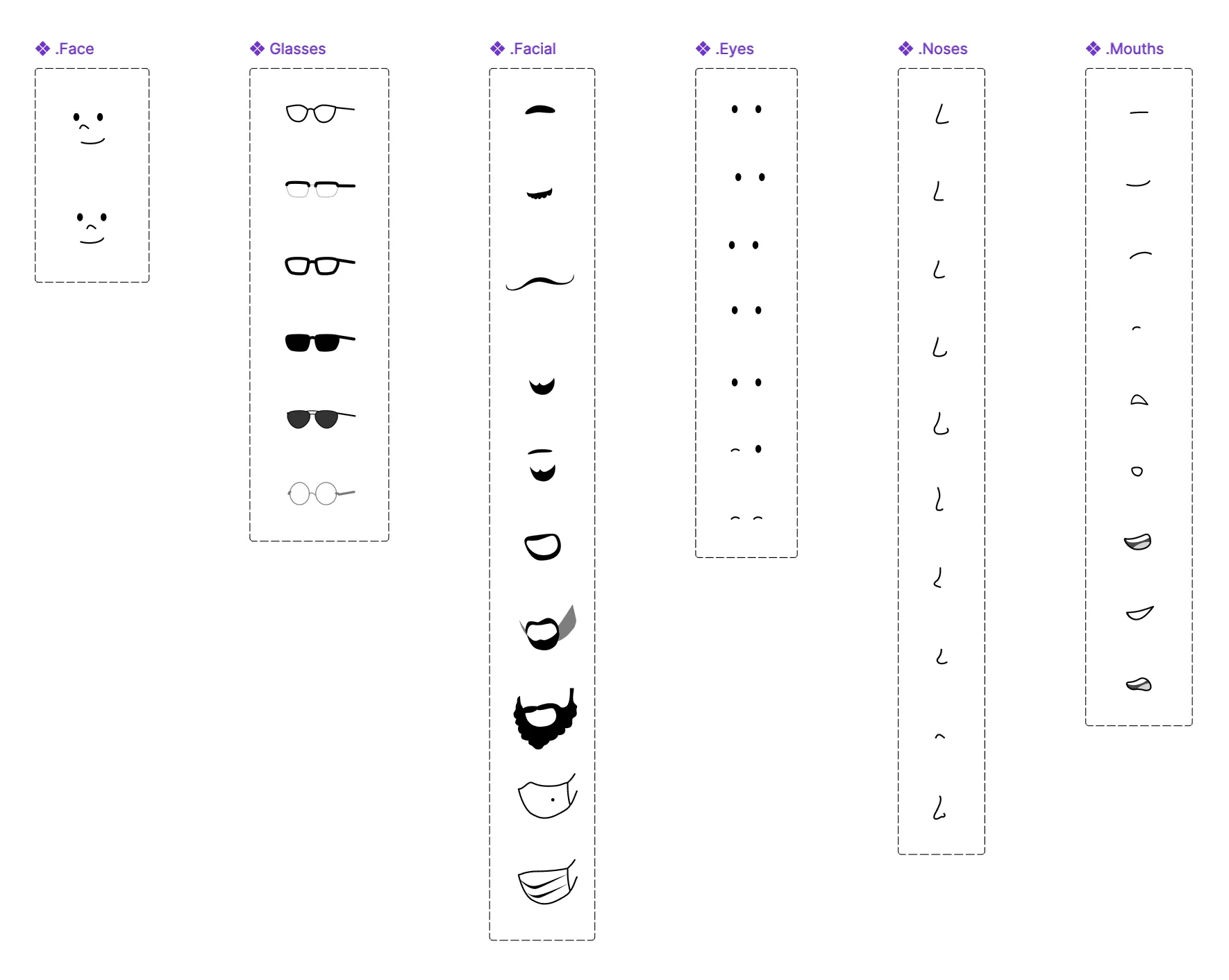
Every face part is its own component. Glasses, facial hair, eyes, noses, and mouths each swap on their own.
BODY TYPES
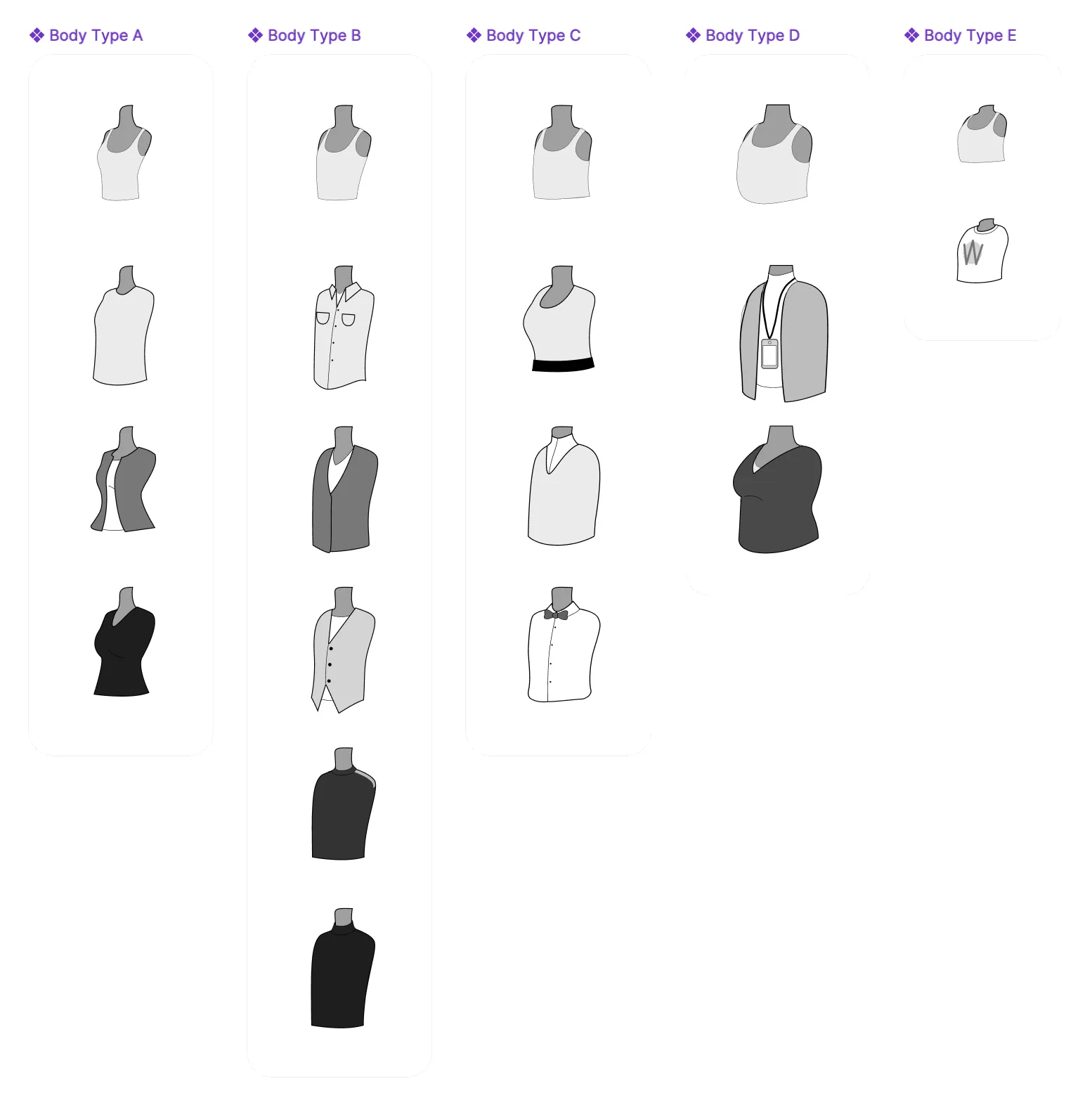
Five body types, each with its own set of outfits.
BODY PARTS
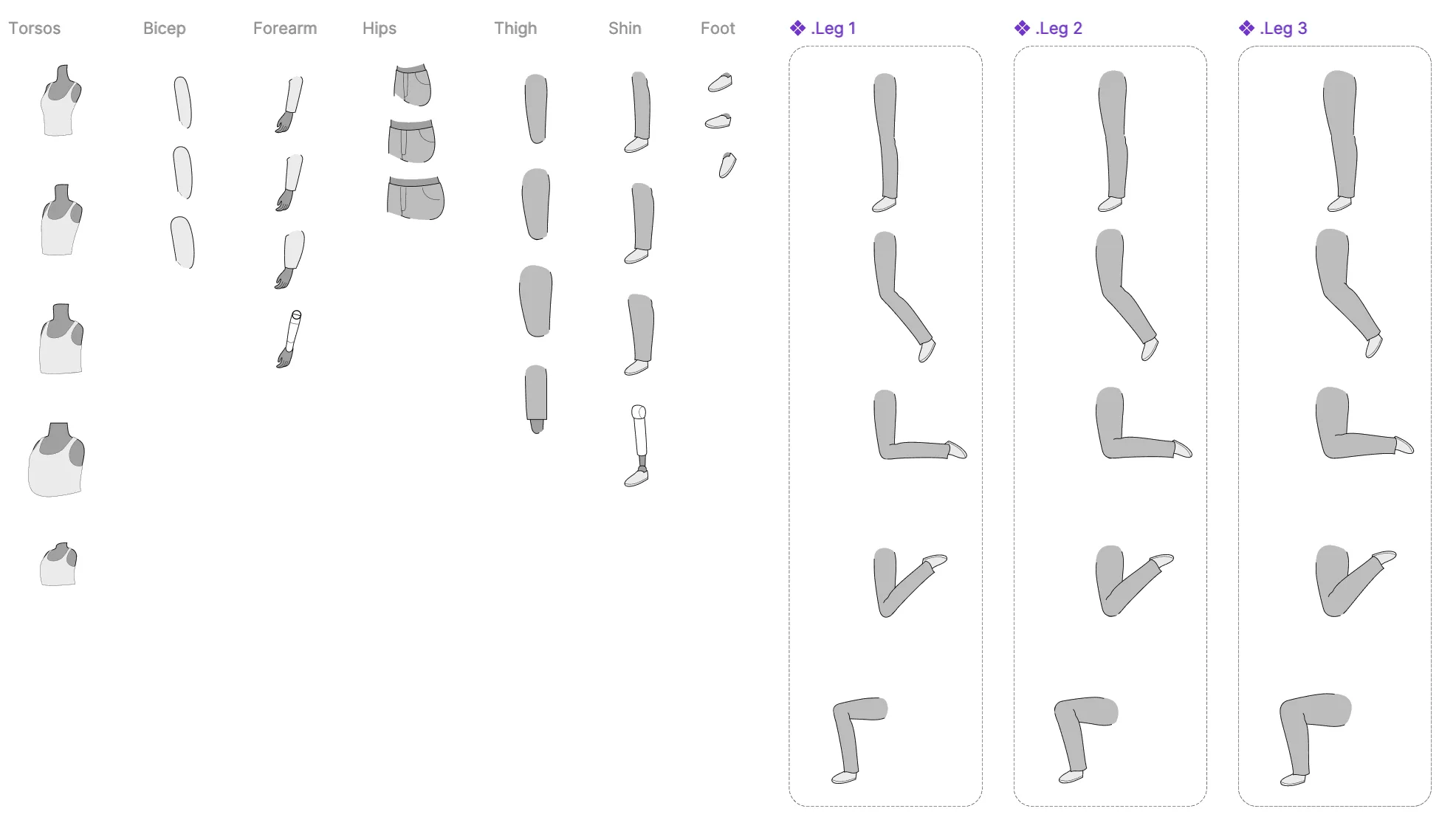
Bodies come in parts. Torsos, arms, hips, thighs, shins, and feet, including prosthetics, combine into new poses.
IN USE
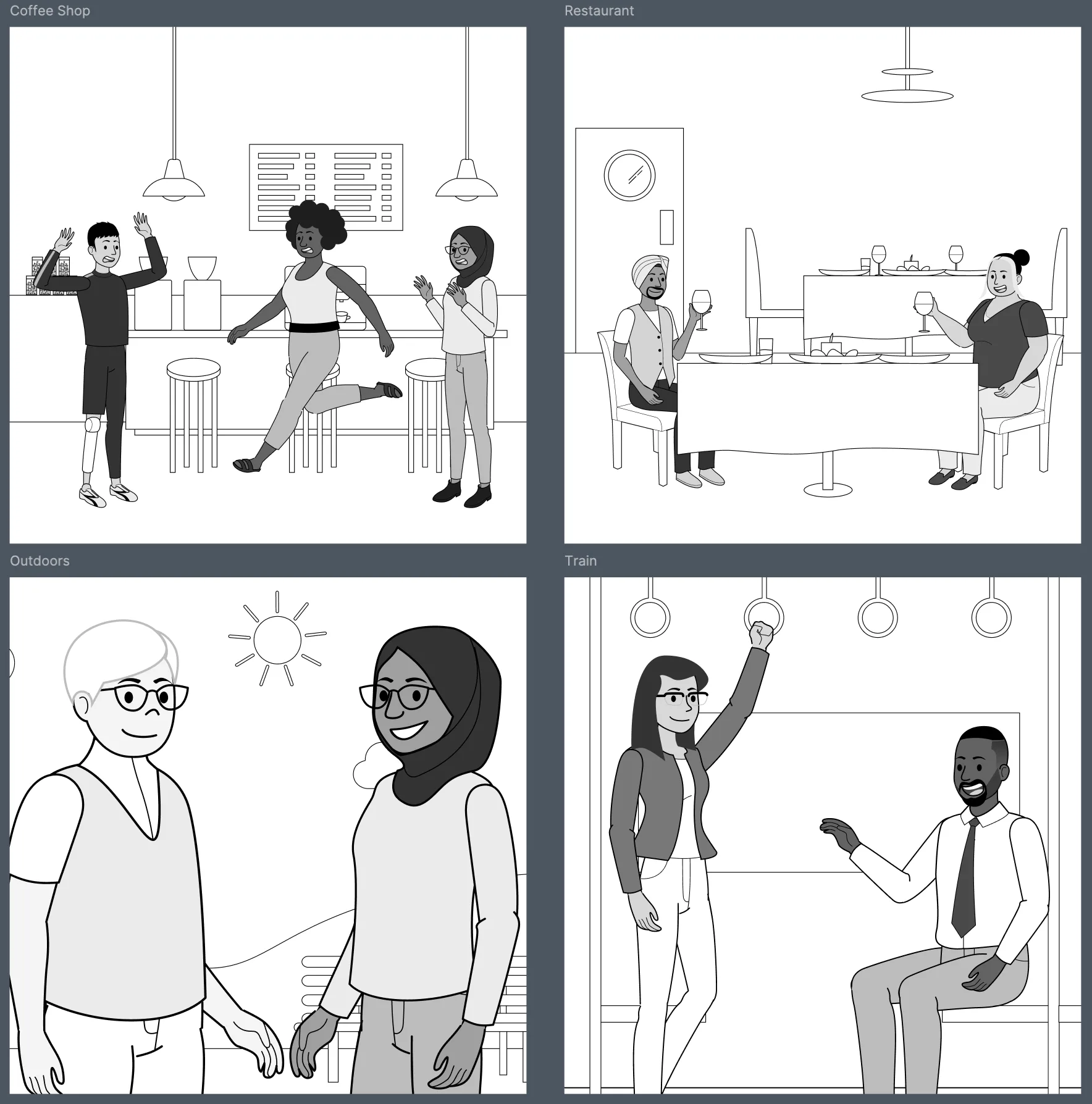
Same characters, any scene. They drop into a coffee shop, a restaurant, outdoors, or a train, ready for a slide or a user story.